Android 17 Deep Dive: Features, Release Timeline, and Every Eligible Phone (2026)

Google officially unveiled Android 17 (internally codenamed Cinnamon Bun) during The Android Show on May 12, 2026. Because Google shifted its annual release timeline to early summer, the operating system is already in its final testing phases and scheduled to hit stable devices in June or July 2026.
This deep dive covers the radical design shifts, next-generation AI integrations, hidden productivity tools, and the comprehensive device eligibility list.
1. The Design Overhaul: “Liquid Glass” & Minimalist Controls
Android 17 completely shifts away from the flat, blocky look of early Material You, moving toward a deeply translucent, fluid aesthetic.
-
The Frosted Blur Effect: The entire UI is getting a “Liquid Glass” makeover. Swiping down the notification panel, adjusting volume sliders, or opening the power menu now triggers a heavy, real-time frosted glass blur. This keeps the background context visible while separating the foreground elements beautifully.
-
Split Notification and Quick Settings: Borrowing a popular layout from custom skins, Android 17 is testing a split layout. Pulling down from the top-left displays your notifications cleanly, while a pull-down from the top-right brings up an isolated grid of your Quick Settings toggles.
-
Minimalist “Hide App Names”: For users looking for an ultra-clean home screen setup, the system launcher now features a native toggle to hide text labels entirely under
Wallpapers & Style > Icons. You get an aesthetic, icon-only grid. -
Lock-Screen Widget Hub: Widgets are finally breaking out of the home screen. A new dedicated lock-screen hub allows you to swipe over and interact with glanceable widgets without fully unlocking the device
2. Headlining Features & Hidden Productivity Tools
Beyond cosmetics, Android 17 introduces several heavy-hitting platform features designed to match or exceed its competition.
Multi-Step AI Automation (Gemini Intelligence)
This is Google’s next major push for on-device AI. Powered by Gemini Nano v3, “Gemini Intelligence” turns your assistant into a multi-step execution agent. Instead of just searching for info, you can say, “Order my usual chicken bowl from DoorDash and track it,” or “Find the hotel confirmation in my email and add a widget for the check-in time.” The AI navigates the app interfaces natively in the background to complete the tasks.
Create My Widget
Tied directly into the AI upgrades, you no longer have to rely on app developers to build the perfect widget. You can describe exactly what you want to see—for instance, “Build me a single widget that shows my local time, a second clock for London, and my daily steps”—and the system AI will compile and generate it from scratch.
App Bubbles & Desktop Mode
True multitasking arrives on standard-sized smartphones. Android 17 introduces native App Bubbles, allowing you to collapse any application into a small, floating window that sits on top of your screen. You can stack multiple app bubbles, drag them around, and minimize them simultaneously. Furthermore, the updated Desktop Mode brings window snapping, pinning, and an updated taskbar for external monitors.
Privacy, Theft Protection & Daily Health
-
Native App Lock: You can now lock individual apps securely behind a PIN, pattern, or biometrics natively, without needing questionable third-party app lockers or hiding them away in Private Space.
-
Aggressive Factory Reset Protection: If a thief steals your phone and attempts a forced hardware reset via recovery mode, the setup wizard enters a hyper-secure lock state. It demands deep identity verification, effectively preventing the device from being wiped and resold.
-
Motion Assist: To combat motion sickness while riding in vehicles, a new “Motion Assist” toggle displays small, subtle, moving dots on the screen that react to the phone’s physical g-force. This simple visual cue anchors your brain and reduces nausea while doomscrolling on the bus.
-
Background Memory Limiter: Android 17 introduces aggressive background RAM policing. Rogue applications that slowly leak memory in the background are cleanly terminated before they can cause system stuttering or battery drain.
3. The Hardware Catch: The “12 GB RAM” Divide
While Android 17 will roll out to a massive list of devices, the headline features—including Gemini Intelligence, Create My Widget, and Rambler for Gboard—require immense processing power.
Important Hardware Check: Google has confirmed that the advanced AI features are gated behind a minimum of 12 GB of RAM and support for the Gemini Nano v3 model. Mid-range phones or older flagships with 8 GB of RAM will receive the base operating system, the visual updates, and the security patches, but will miss out on the advanced automation tools.
4. Master Eligible Devices & Release Timeline
The rollout schedule is highly compressed this year. Supported devices are mapped below based on the official manufacturer roadmaps:
Google Pixel (Stable Release: June 2026)
As always, Google’s own hardware gets the stable update on Day 1. The beta has been running on these devices since February.
-
Pixel 10 Series: Pixel 10, 10 Pro, 10 Pro XL, 10 Pro Fold (Will launch natively with Android 17)
-
Pixel 9 Series: Pixel 9, 9 Pro, 9 Pro XL, 9 Pro Fold, 9a
-
Pixel 8 Series: Pixel 8, 8 Pro, 8a
-
Pixel 7 Series: Pixel 7, 7 Pro, 7a
-
Pixel 6 Series: Pixel 6, 6 Pro, 6a (Note: This will be the final major OS update for the Pixel 6 line)
-
Tablets & Folds: Pixel Fold, Pixel Tablet
Samsung Galaxy (One UI 9 — Rollout Starts: July 2026)
Samsung is debuting One UI 9 alongside the global launch of the Galaxy Z Fold 8 and Z Flip 8 on July 22, 2026, with the rest of the flagship lineup following immediately.
-
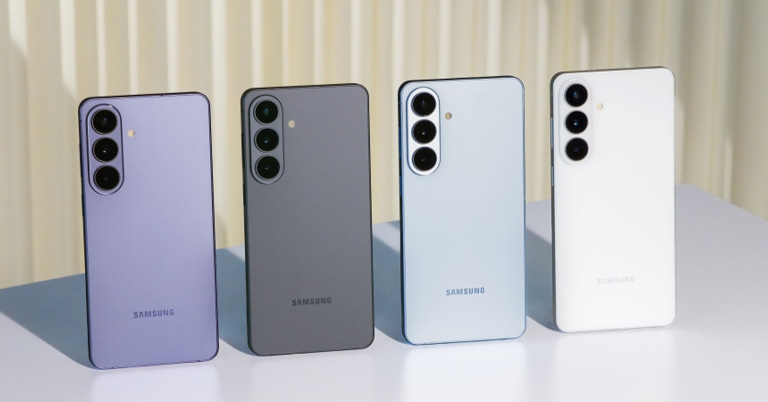
S-Series: Galaxy S26, S26+, S26 Ultra / Galaxy S25, S25+, S25 Ultra / Galaxy S24, S24+, S24 Ultra, S24 FE / Galaxy S23, S23+, S23 Ultra, S23 FE
-
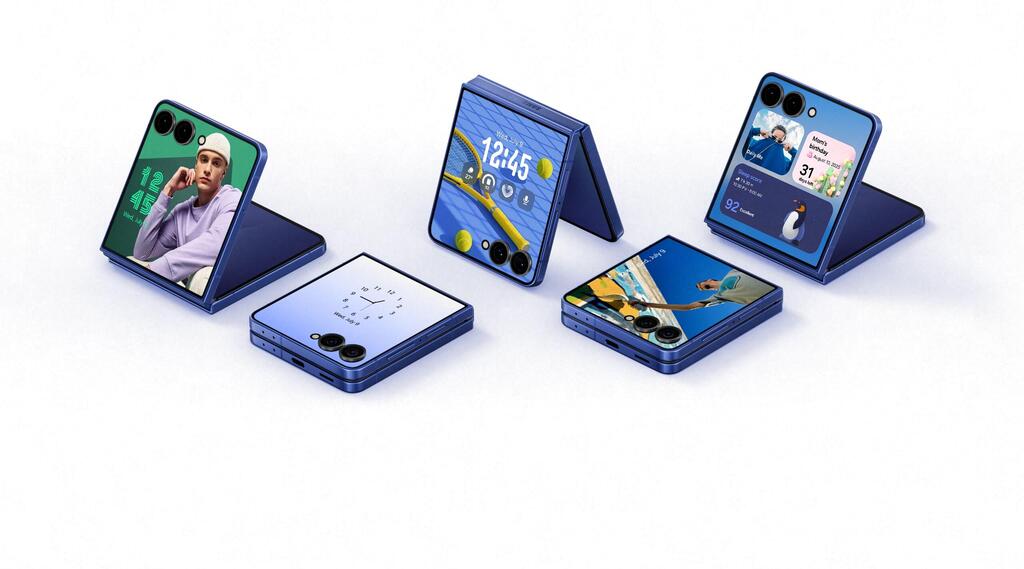
Foldables: Galaxy Z Fold 8 & Z Flip 8 / Galaxy Z Fold 7 & Z Flip 7 / Galaxy Z Fold 6 & Z Flip 6 / Galaxy Z Fold 5 & Z Flip 5
-
A-Series (Mid-range): Galaxy A55, A35, A54, A34 (Expected around late Q3 / early Q4)
Read : Nothing Phone Nepal
OnePlus (OxygenOS 17 — Rollout Starts: Late Q3 2026)
OnePlus launched its beta track simultaneously with Google. Flagship phones will see the stable build by August or September.
-
Flagships: OnePlus 15, OnePlus 13, OnePlus 12
-
Foldables & R-Series: OnePlus Open, OnePlus 12R, OnePlus 13R
-
Nord Series: Nord 4, Nord CE 4, and subsequent 2025/2026 Nord variants.
Xiaomi, Vivo, iQOO, & Motorola (Q3 to Q4 2026)
-
Motorola (Hello UI): An incredibly fast adopter this year, Motorola opened its beta back in February. Expect the stable rollout to hit the Edge 50 Ultra, Edge 60, and Razr 70/60 Ultra series throughout Q3 2026.
-
Xiaomi (HyperOS 3.3 / 4): Developer previews are currently live. Stable builds will hit the Xiaomi 17, 17 Ultra, and 15T Pro global variants starting in September.
-
Vivo & iQOO (Funtouch OS 17 / OriginOS 7): Beta testing is active for the Vivo X300 Pro and iQOO 15. Stable packages are slated for late September 2026.
5. Comparison Between ios 20 VS Android 17:
| Feature Set | Google Android 17 (Cinnamon Bun) | Apple iOS 20 (Preview Track) |
| Primary AI Core | Gemini Nano v3 (On-device execution model). | Upgraded Apple Intelligence cloud-hybrid engine. |
| AI Capabilities | Gemini Intelligence Agent: Executes cross-app automated macros (e.g., handles food ordering, pulls itinerary data natively from background apps). | Multi-Modal Visual Intelligence: Real-time Action Button viewfinder queries with deep contextual follow-ups; natural language system navigation. |
| Generative UI | Create My Widget: Users use natural language prompts to code functional, custom, unified widgets from scratch. | App Intents Expansion: Predetermined widget configurations; highly structured layout continuity across the home screen. |
| Audio/Text Input AI | Rambler (Gboard): Intelligently strips verbal fillers (“um,” “like”) from voice input, correcting and restructuring disjointed speech live. | Natural Language Voice Control: On-device contextual awareness that fixes broken commands but retains classic speech-to-text formatting. |
| UI Aesthetics & Themes | “Liquid Glass” Era: Heavy translucent frosted glass blurs across notification trays, optional left/right split dropdown configurations. | Geometric Continuity: Monochromatic icon layouts, customized Lock Screen typography depth matching, focus on persistent clean grids. |
| Minimalism Features | Native launch option to completely hide text labels beneath application icons for a purely visual home screen. | App text labels remain static but shrink contextually depending on active Focus Modes or Home Screen page layouts. |
| Multitasking Windows | App Bubbles: Collapse any active app into a tiny, floating interactive window. Stacks up to 5 concurrent bubbles globally. | Stage Manager/Split Screen Lite: Rigid side-by-side or picture-in-picture window snapping reserved for large layouts. |
| External Display Mode | Upgraded Native Desktop Mode with window pinning, dynamic canvas scaling, and structural system taskbar. | Standard screen mirroring with aspect-ratio adjustment for continuous presentation modes. |
| Hardware Baseline | Strict 12 GB RAM wall required exclusively to unlock agentic automation and generative AI capabilities. | Highly unified execution across all compatible A17 Pro through A19/A20 silicon pipelines. |
6. Summary and Final Verdict
Android 17 represents a fundamental shift in Google’s operating system strategy. By moving the entire launch calendar up to early summer, Google is no longer playing catch-up with autumn hardware launches; instead, they are setting the baseline for the next wave of smartphone innovations early.
While the “Liquid Glass” visual aesthetic and robust native privacy tools like App Lock v2 will give older devices a fresh lease on life, the strict 12GB RAM boundary makes one thing abundantly clear: the future of mobile computing belongs to on-device AI automation. If your current phone doesn’t pack the necessary memory to run Gemini Nano v3, Android 17 will still be an excellent, snappy update—but you’ll be viewing the most futuristic features from the sidelines.
Over to You!
Is your current smartphone on the master eligibility list for Android 17, or is this the update that finally forces you to upgrade your hardware? Drop your phone model and your thoughts on the new Liquid Glass design in the comments section below!


Post Comment