How to Watch FIFA World Cup in Nepal (2026)
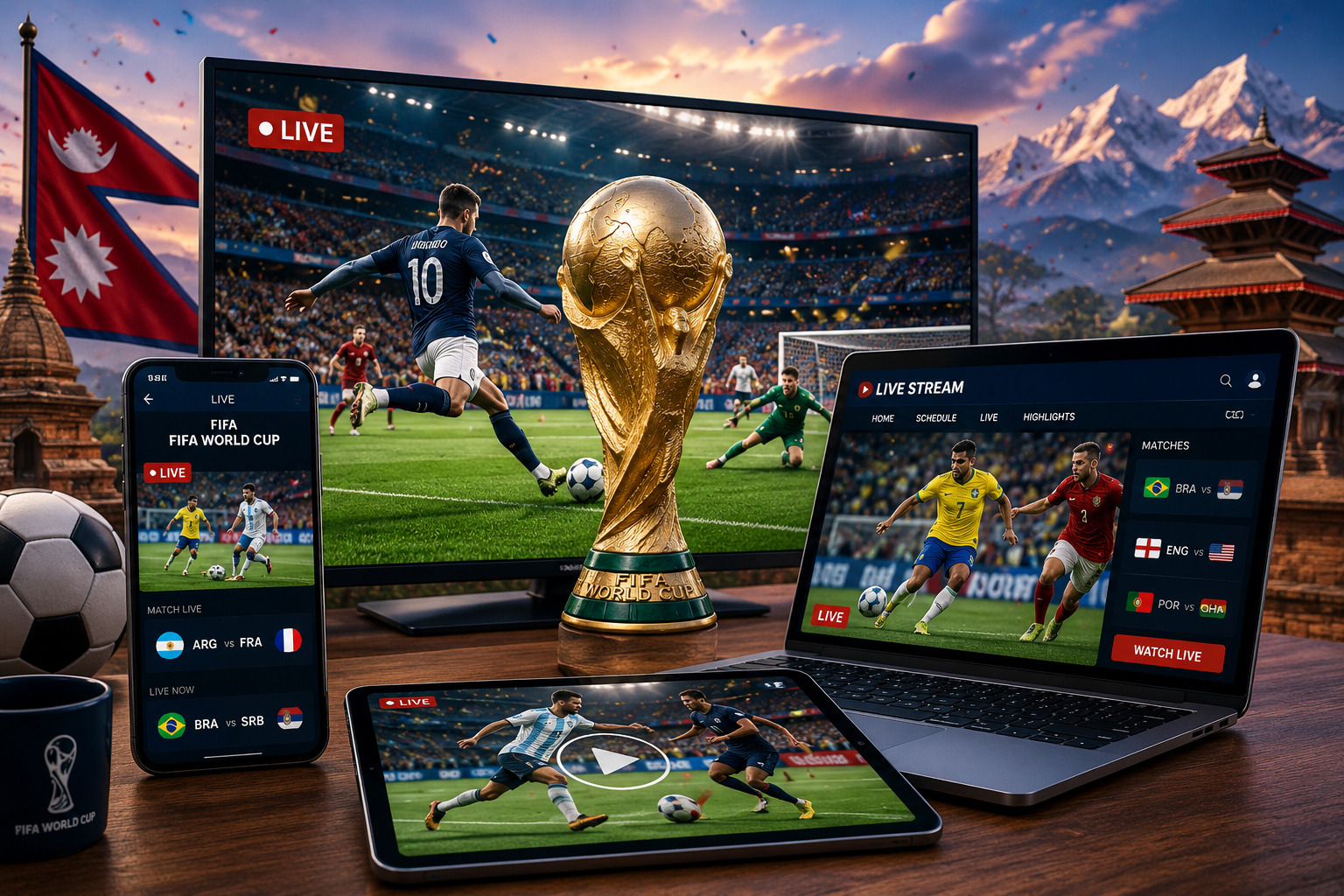
The FIFA World Cup is the most-watched sporting event in the world, attracting billions of viewers from every continent. Nepali football fans eagerly follow every World Cup, whether supporting Argentina, Brazil, England, France, Portugal, Germany, or other top football nations.
If you’re wondering how to watch FIFA World Cup in Nepal, there are multiple options available, including television broadcasts, mobile apps, streaming platforms, laptops, desktops, and smart TVs.
This guide explains all the available methods so you never miss a match.
FIFA World Cup Broadcasting Rights in Nepal
The official broadcaster for the FIFA World Cup in Nepal may vary depending on the tournament year and broadcasting agreements.
Historically, Nepali viewers have watched the World Cup through:
- Cable television operators
- IPTV services
- International sports broadcasters
- Official FIFA streaming partners
- Mobile streaming applications
Before the tournament begins, broadcasters usually announce official rights holders for Nepal.
How to Watch FIFA World Cup on Mobile in Nepal
Mobile viewing is becoming the most popular option among Nepali football fans.
Android Users
You can watch matches using:
- Official streaming apps
- IPTV applications
- Broadcaster mobile apps
- Smart TV companion apps
iPhone Users
iOS users can access:
- Official sports streaming apps
- Broadcaster applications
- Browser-based streaming platforms
Benefits of Mobile Viewing
- Watch anywhere
- Supports Wi-Fi and mobile data
- HD streaming available
- Match highlights and replays
- Live score notifications
Best Internet Speed for Mobile Streaming
| Quality | Recommended Speed |
|---|---|
| 480p | 3 Mbps |
| 720p HD | 5 Mbps |
| 1080p Full HD | 10 Mbps |
| 4K Streaming | 25 Mbps+ |
For uninterrupted viewing, a stable Wi-Fi connection is recommended.
How to Watch FIFA World Cup on Smart TV in Nepal
Smart TVs provide the best viewing experience for football matches.
Supported Smart TV Brands
- Samsung Smart TV
- LG Smart TV
- Sony Google TV
- Xiaomi TV
- TCL TV
- Hisense TV
Viewing Methods
- Install official streaming apps.
- Open broadcaster applications.
- Cast from your smartphone.
- Use IPTV services.
- Connect a streaming device.
How to Watch FIFA World Cup on Android TV
Android TV users can:
- Download official streaming applications.
- Install broadcaster apps.
- Use Chromecast functionality.
- Access browser-based streams.
The larger screen size significantly improves the viewing experience.
How to Watch FIFA World Cup on Laptop and Desktop
Many viewers prefer watching matches on laptops and desktop computers.
Windows PC
You can watch through:
- Official streaming websites
- Sports broadcaster portals
- IPTV services
- Web-based streaming platforms
MacBook
Mac users can access:
- Safari browser
- Chrome browser
- Official streaming websites
- Broadcaster web portals
Recommended Browser Settings
For smoother streaming:
- Use the latest browser version.
- Enable hardware acceleration.
- Close unnecessary tabs.
- Ensure stable internet connectivity.
How to Watch FIFA World Cup on Cable TV in Nepal
Traditional television remains a popular choice among Nepali households.
Common TV Providers
- DishHome
- Subisu IPTV
- WorldLink NETTV
- Vianet TV
- Classic Tech TV
Sports channels carrying World Cup coverage are usually announced before the tournament begins.
FIFA World Cup Streaming Apps for Nepal
The exact streaming platform may vary based on broadcasting rights.
Popular categories include:
| Platform Type | Example |
|---|---|
| Official Broadcaster Apps | Rights Holder Apps |
| IPTV Services | Provider Apps |
| Sports Streaming Services | Sports Networks |
| Smart TV Apps | TV App Stores |
Always use official streaming sources to ensure legal and reliable access.
Can You Watch FIFA World Cup for Free in Nepal?
Some broadcasters may provide:
- Free-to-air television coverage
- Limited free streaming
- Match highlights
- Live score coverage
However, premium subscriptions often provide:
- HD quality
- Multiple camera angles
- Match replays
- Better streaming stability
Internet Data Usage for FIFA World Cup Streaming
| Quality | Data Usage Per Hour |
|---|---|
| 480p | 700 MB |
| 720p | 1.5 GB |
| 1080p | 3 GB |
| 4K | 7 GB |
If using mobile data, monitor your usage to avoid additional charges.
Tips for the Best FIFA World Cup Viewing Experience
Use High-Speed Internet
A stable broadband connection provides smoother streaming.
Watch on Larger Screens
Smart TVs and monitors offer a better viewing experience than smartphones.
Use Official Sources
Official broadcasters provide higher-quality streams and reliable coverage.
Update Apps Before Match Day
Updating applications beforehand helps avoid login or compatibility issues.
FIFA World Cup Match Schedule in Nepal Time
Match timings are typically adjusted to Nepal Standard Time (NST).
Fans should:
- Check official schedules
- Enable notifications
- Follow broadcaster updates
- Use sports apps for reminders
Frequently Asked Questions
How can I watch FIFA World Cup live in Nepal?
You can watch through official broadcasters, cable TV operators, IPTV services, streaming apps, and web-based platforms.
Can I watch FIFA World Cup on my phone?
Yes. Android and iPhone users can watch through official streaming applications.
Can I watch FIFA World Cup on Smart TV?
Yes. Most smart TVs support streaming applications and casting features.
Is FIFA World Cup available on laptop and desktop?
Yes. Most broadcasters provide web-based streaming portals.
Which internet speed is best for World Cup streaming?
At least 10 Mbps is recommended for Full HD streaming.
Conclusion
Watching the FIFA World Cup in Nepal has become easier than ever. Whether you prefer mobile phones, smart TVs, laptops, desktops, IPTV services, or traditional television, there are multiple ways to enjoy every match live.
The best option depends on your device, internet connection, and preferred viewing experience. For most users, official streaming apps and smart TVs provide the most convenient and reliable way to follow the FIFA World Cup.

Post Comment